
Previous, we have completed installation of PHP 8 with WAMP(upgrade from PHP 5 to PHP 8). That was working fine until recently we noticed that curl_init() was not working during some code migration from PHP 5 to PHP 8, by checking, we found that the curl extension was not loaded correctly though the extension was enabled in php.ini.
In this post, we would show how to enable curl in PHP 8 with WAMP. The PHP version we are using is PHP 8.1.31.
To enable curl in PHP 8, we need to modify php.ini file, try to search for curl in php.ini, you should confirm that the curl extension is enabled.
extension=php_curl.dllor if you are using PHP 8, confirm
extension=curlAlso check that extension_dir is properly set.
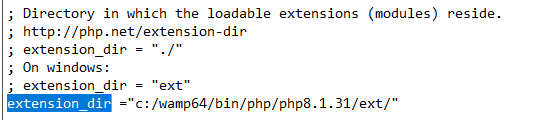
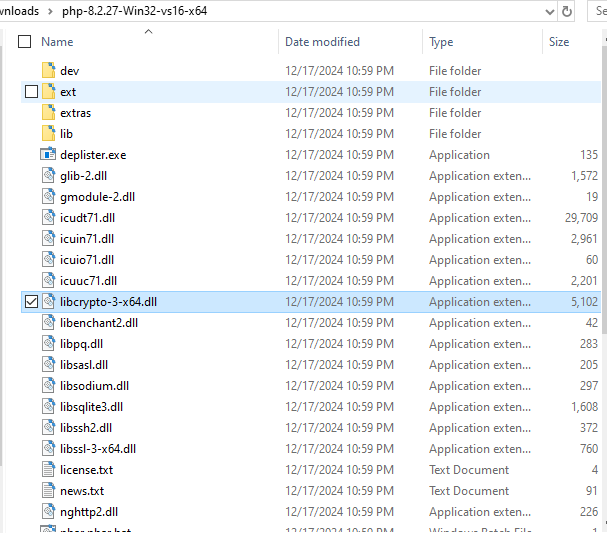
Thereafter please download a PHP 8.2 or later version due to some compatible issue in PHP 8.1(just for copying some dll purpose) and please copy below dlls to apache bin folder.
- libcrypto-3-x64.dll
- libssh2.dll
- nghttp2.dll
PHP 8.2 and later bin folder
The Apache bin folder

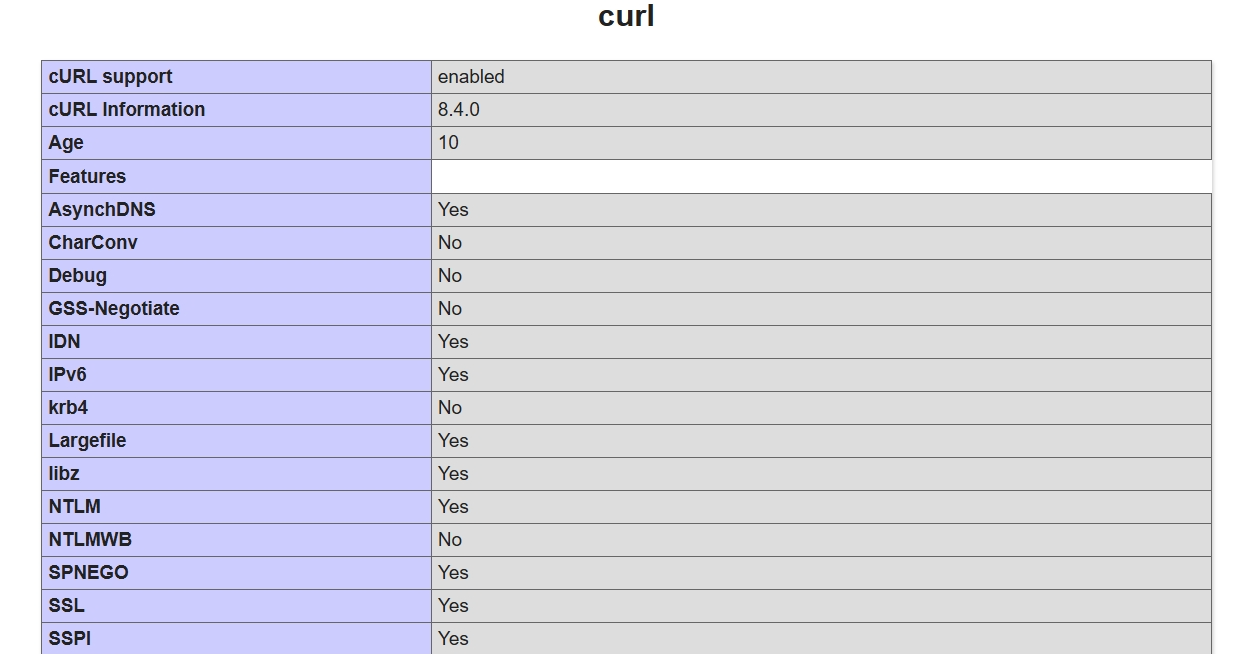
Then restart all services and you should see curl is enabled if you check phpinfo() output

No comment for this article.