Create tweet without explicitly showing the link URL

English 简体中文 繁体中文 ภาษาไทย Tiếng Việt
Summary

To create a tweet that displays a page preview without explicitly showing the link URL, simply paste the desired URL into the tweet box; upon posting, it will convert into a clickable preview. If you need to include a custom description alongside the hidden URL, ensure the link is placed on a new line directly after your descriptive text. This method allows for a clean tweet presentation, showing only your message and the rich page preview.

在撰寫推文時,有時我們可能希望加入連結,但我們希望在推文發佈後,預覽顯示時不要明確顯示 URL。我們該如何實現這一點?本文概述了實現此目標的步驟。

首先,複製並貼上您想要分享的連結到推文框中。
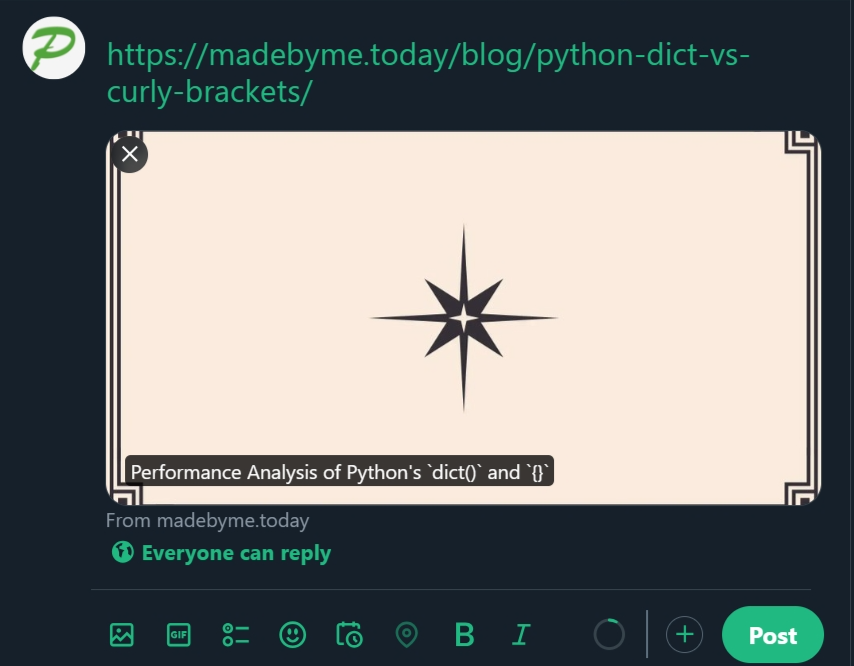
點擊發佈後,推文將會發佈,而不會顯示連結;相反地,它會展示頁面預覽,點擊預覽圖片將會開啟該頁面。

如果您想要在隱藏連結 URL 的同時,加入您自己對於連結頁面的描述,該怎麼做?僅僅在連結 URL 後面附加描述是不夠的。為了達到預期的結果,請遵循以下模式:

您的推文描述

連結 URL

請確保連結 URL 放置在推文中的新行,而不是直接接在描述之後。
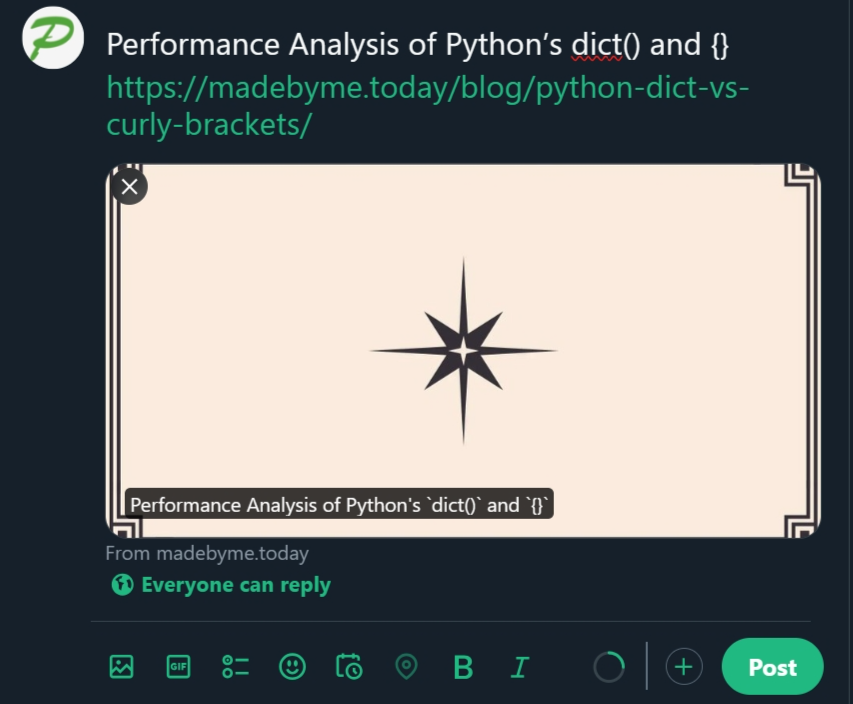
一旦推文發佈,它將會如下顯示:
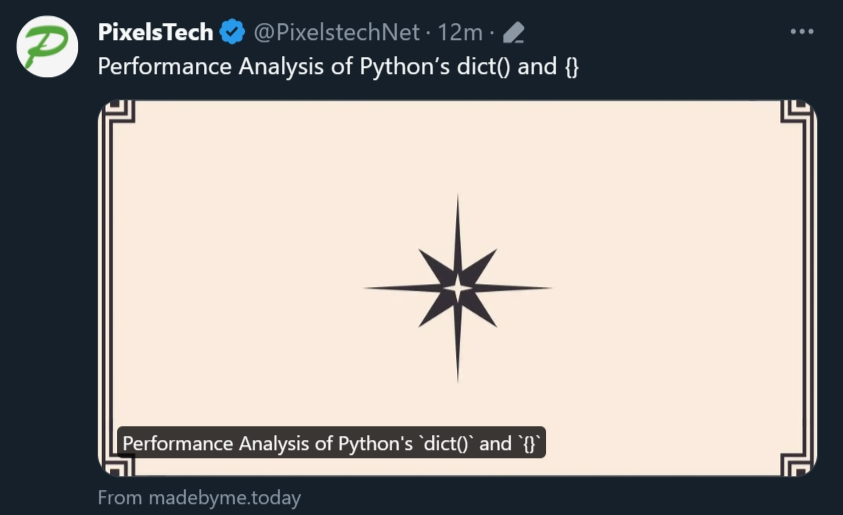
希望您覺得這些資訊有幫助。

TWEET LINK URL X PREVIEW

  RELATED

  COMMENT

1
Anonymous
Sep 20, 2024 at 11:43 am

kaga bisa min