Create tweet without explicitly showing the link URL

English 简体中文 繁体中文 ภาษาไทย Tiếng Việt
Summary

To create a tweet that displays a page preview without explicitly showing the link URL, simply paste the desired URL into the tweet box; upon posting, it will convert into a clickable preview. If you need to include a custom description alongside the hidden URL, ensure the link is placed on a new line directly after your descriptive text. This method allows for a clean tweet presentation, showing only your message and the rich page preview.

在撰写推文时,有时我们可能希望包含一个链接,但我们更希望在推文发布后,预览显示时不明确显示 URL。我们如何实现这一点?本文概述了实现此目的的步骤。

首先,复制并粘贴您要分享的链接到推文框中。
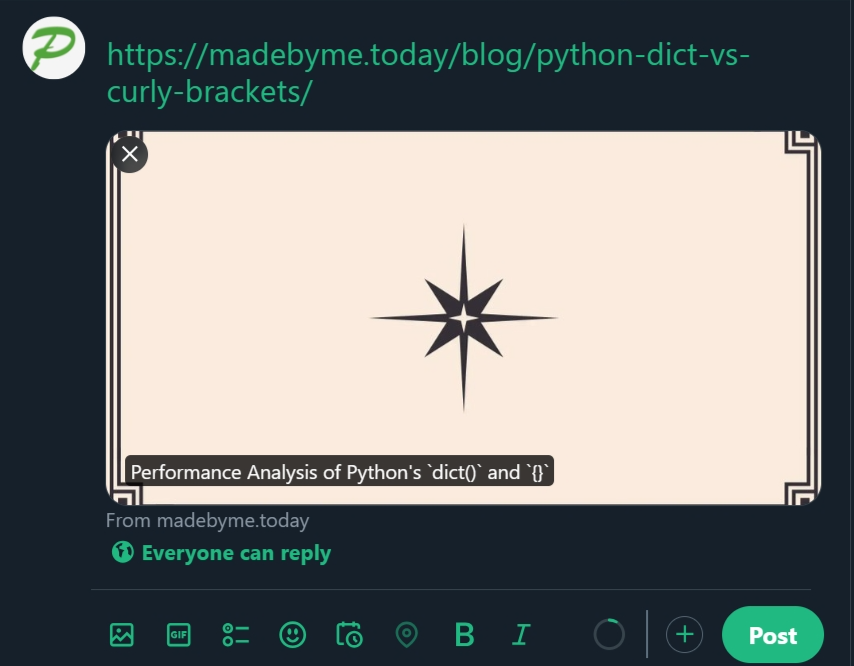
点击发布后,推文将发布,但不显示链接;相反,它将展示页面预览,点击预览图像将打开页面。

如果您想在隐藏链接 URL 的同时添加您自己对链接页面的描述,该怎么办?简单地在链接 URL 后附加描述是不够的。要达到预期的效果,请遵循以下模式:

Your tweet description

Link URL

确保链接 URL 放置在推文中的新行上,而不是直接跟在描述之后。
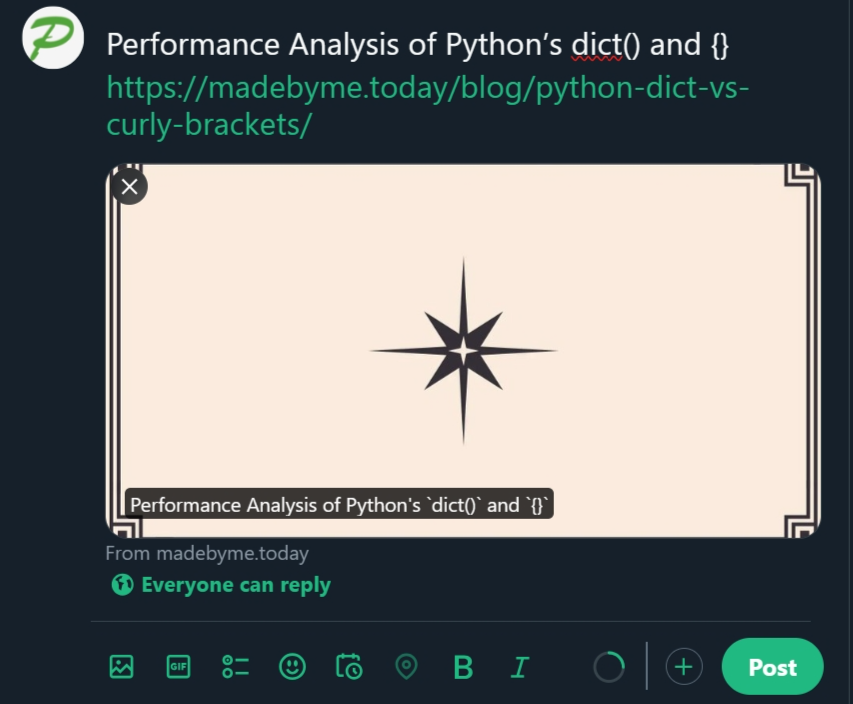
推文发布后,它将如下所示:
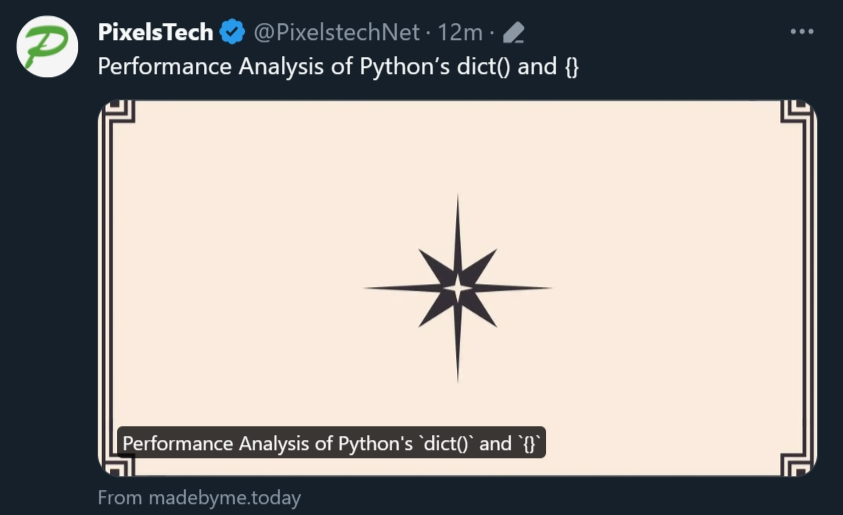
希望您觉得这些信息有帮助。

TWEET LINK URL X PREVIEW

  RELATED

  COMMENT

1
Anonymous
Sep 20, 2024 at 11:43 am

kaga bisa min