
Chrome is a powerful browser, one reason why it's so powerful is that it has abundant extensions. There are various extensions in Chrome Web Store. They can meet all kinds of needs you have and they are very easy to install as well. Here we share with you 8 powerful extensions on Chrome. All of them can be downloaded from Chrome Web Store
Holmes
A bookmark search tool, if you have lots of bookmarks and you even don't know where they are. Hplmes can help you find them in real time by matching title and address.

LastPass
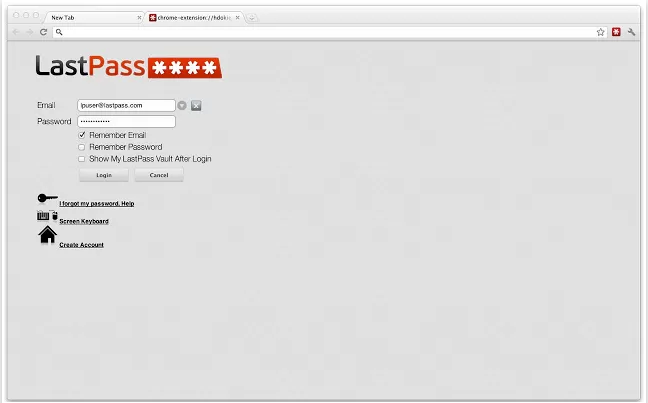
A password management tool. You can store all your password information so that you no need to remember different passwords you have. What you need to do is to login to LastPass and save your passwords, then LastPass can help you login to other websites automatically. It allows you to import and export passwords from and to all main-stream password stores. It supports Chrome, Firefox ,Opera and IE.
Lazarus : Form Recovery
A powerful disaster recovery tool, when you browser crashes or closes abnormally, you can use this extension to recover the form you have filled so that you no need to type them again.
Text Mode
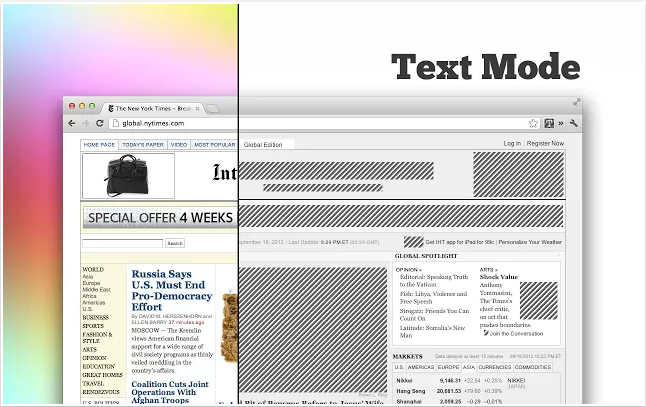
It can trim the webpage so that only text is left. This extension is suitable for those who like reading news or novels online. If you enable this extension, all images will become dashed images and the webpage color scheme will become white and black. It enables you to put your focus on the text instead of those annoying distractions.
Kloudless
This extension helps you move your Gmail attachments to Box,Google Drive and Dropbox, you don't need to download these attachments first to your local drive, then upload to these cloud service.
Chrome Office Viewer
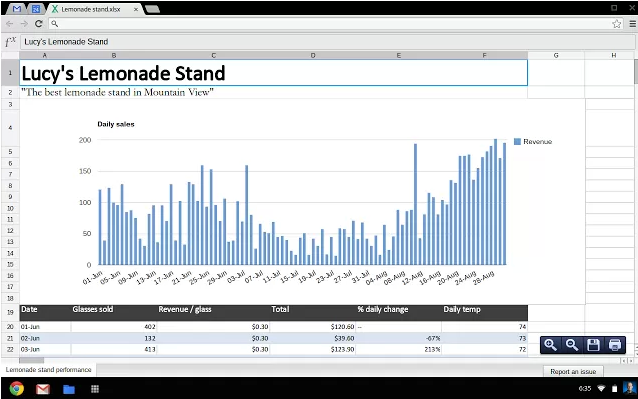
This extension enables you to open PPT or Work file without opening office or uploading to Google Docs.
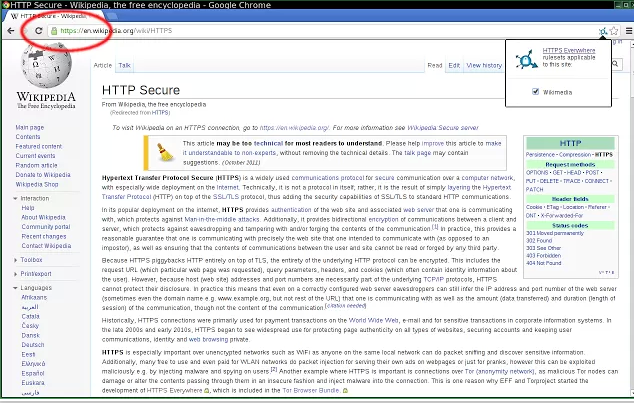
HTTPS everywhere
This extension can check whether a website supports HTTPS, if yes, it will switch to HTTPS secure connection so that the communication between you and the server is encrypted. It is very helpful when you do online shopping.
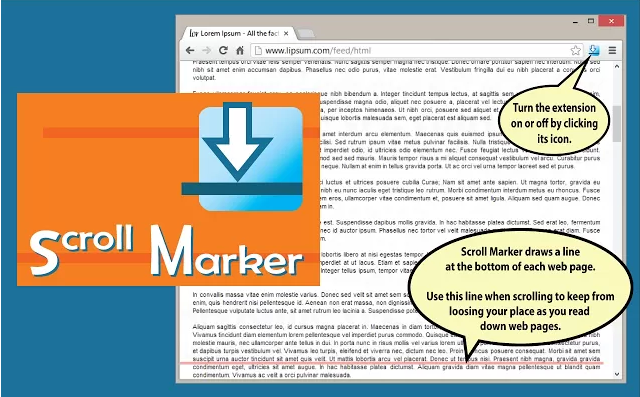
Scroll Marker
When you read a long web page, you may often forget where you stop last time This extension enables you put a semi-transparent line at the location you want so that when you scroll the page you will know where you should go back.
Source : http://blog.jobbole.com/44523/

No comment for this article.