
Google has been working very hard to make it possible for syncing clipboard data among PC and Android devices through Chrome. This feature is finally available in Chrome Canary 79 and is going to be released in future version of Chrome although it only supports sync data from PC to Android but not vice versa.
But before getting to that day, users can start to explore this feature in latest Chrome Canary version 79.
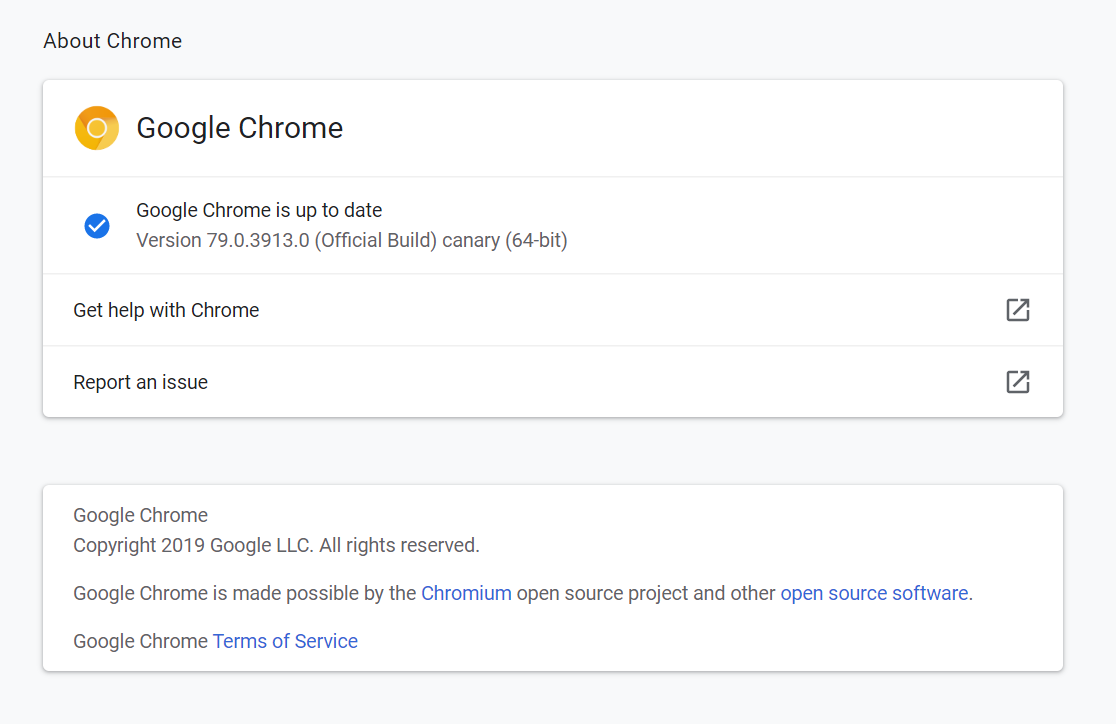
There are three flags(chrome://flags) to control enablement of the feature.
- Enable receiver device to handle shared clipboard feature
- Enable shared clipboard feature signals to be handled
- Sync Clipboard Service
Enable them and relaunch Chrome Canary.

Now to sync clipboard data between PC and Android, a version of Chrome Canary needs to be installed on Android device as well.
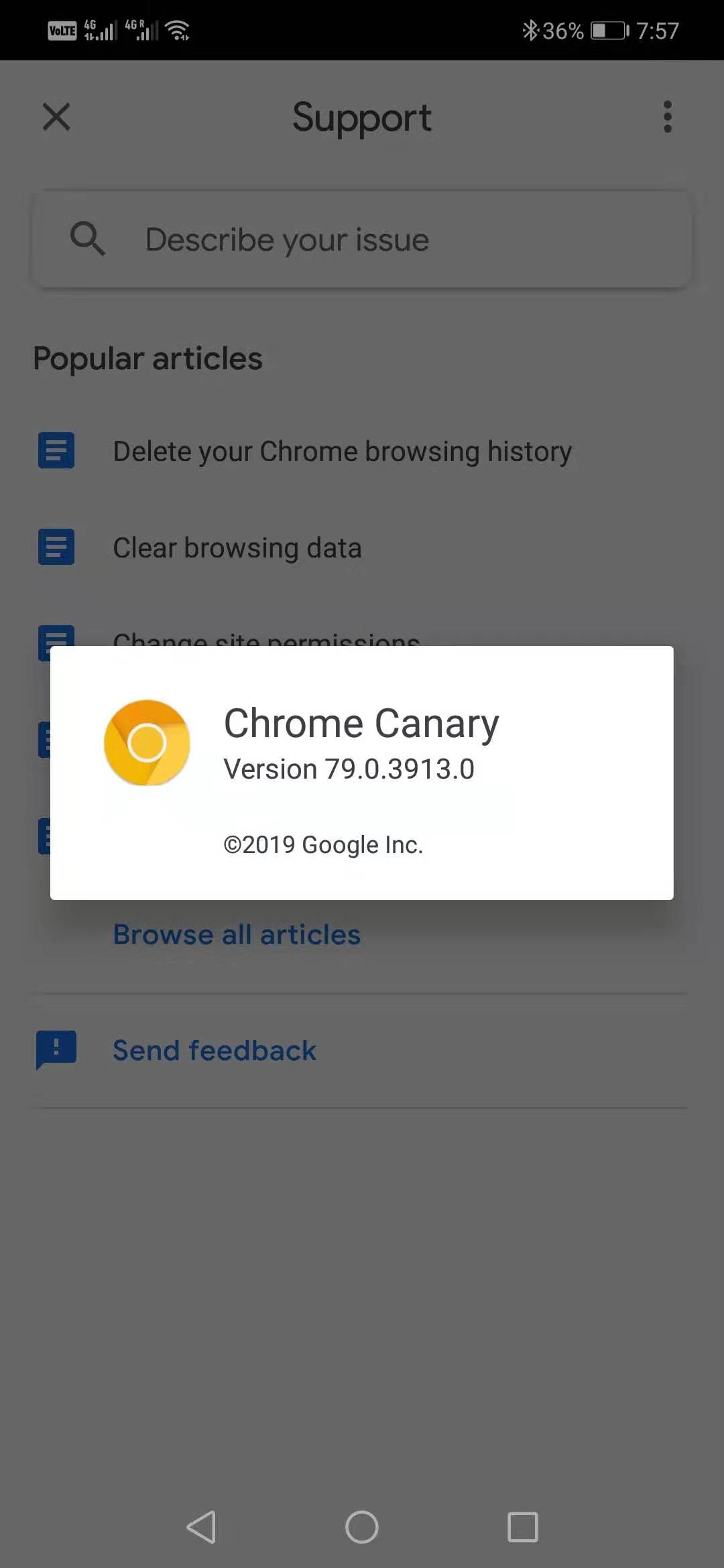
Thereafter login to Chrome Canary on both devices with the same account and now everything is set up and clipboard data can be synced.
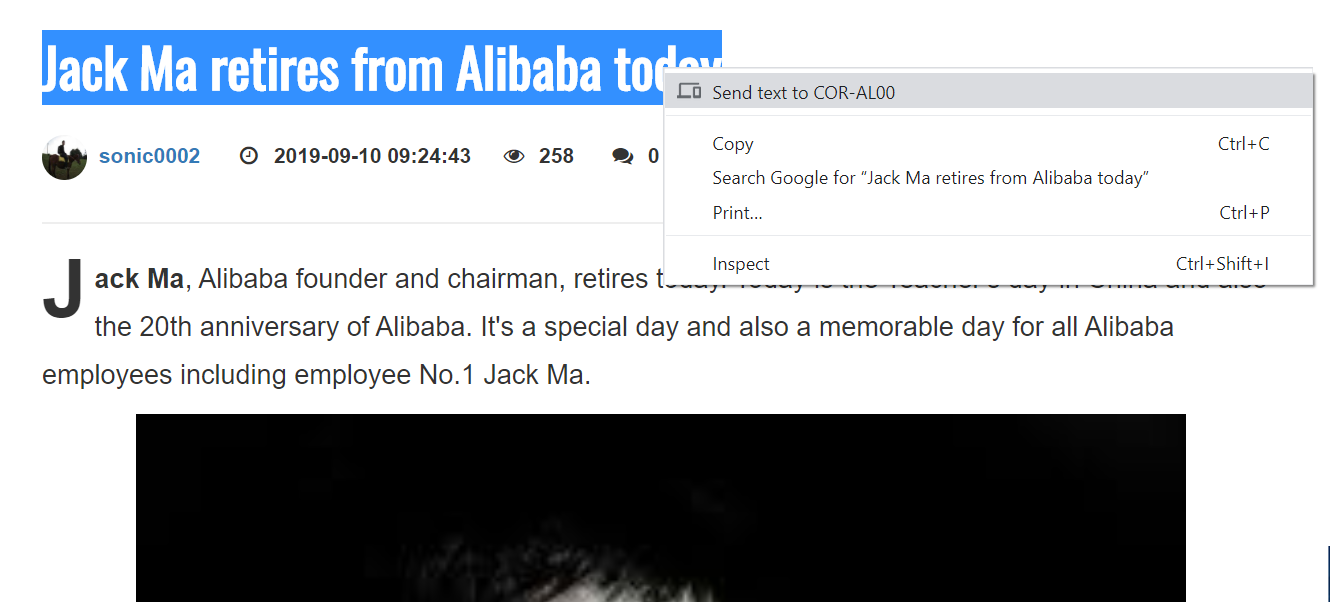
Open any webpage on PC Chrome Canary and select any text and right click, there will be a option for sending data to another device.
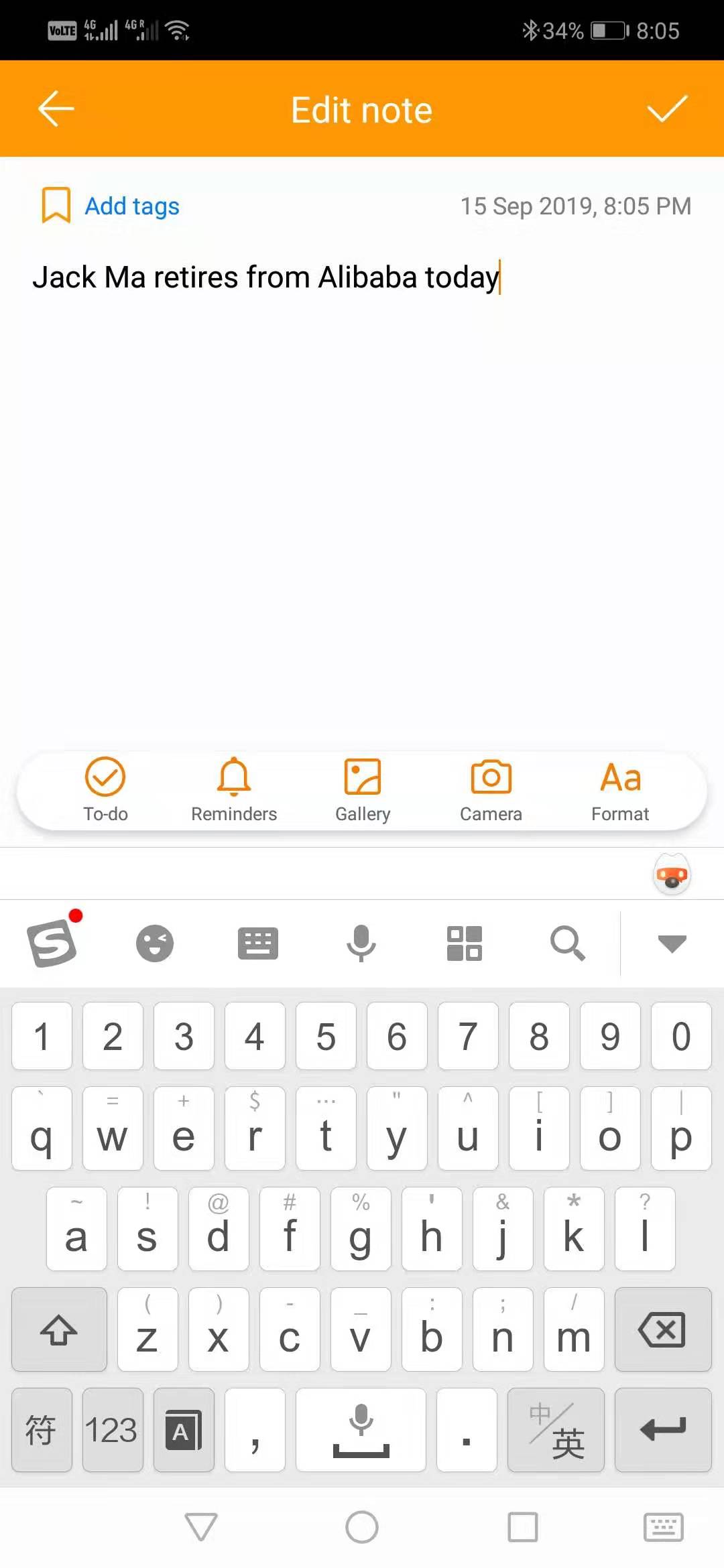
Once this is done, open any app which can accept text input on Android phone with the mobile Chrome Canary installed and do paste, you will find that the data from the PC clipboard has been synced over. The important note here is that the data can not only be pasted in Chrome Canary on Android but also be pasted in other apps on the Android device.
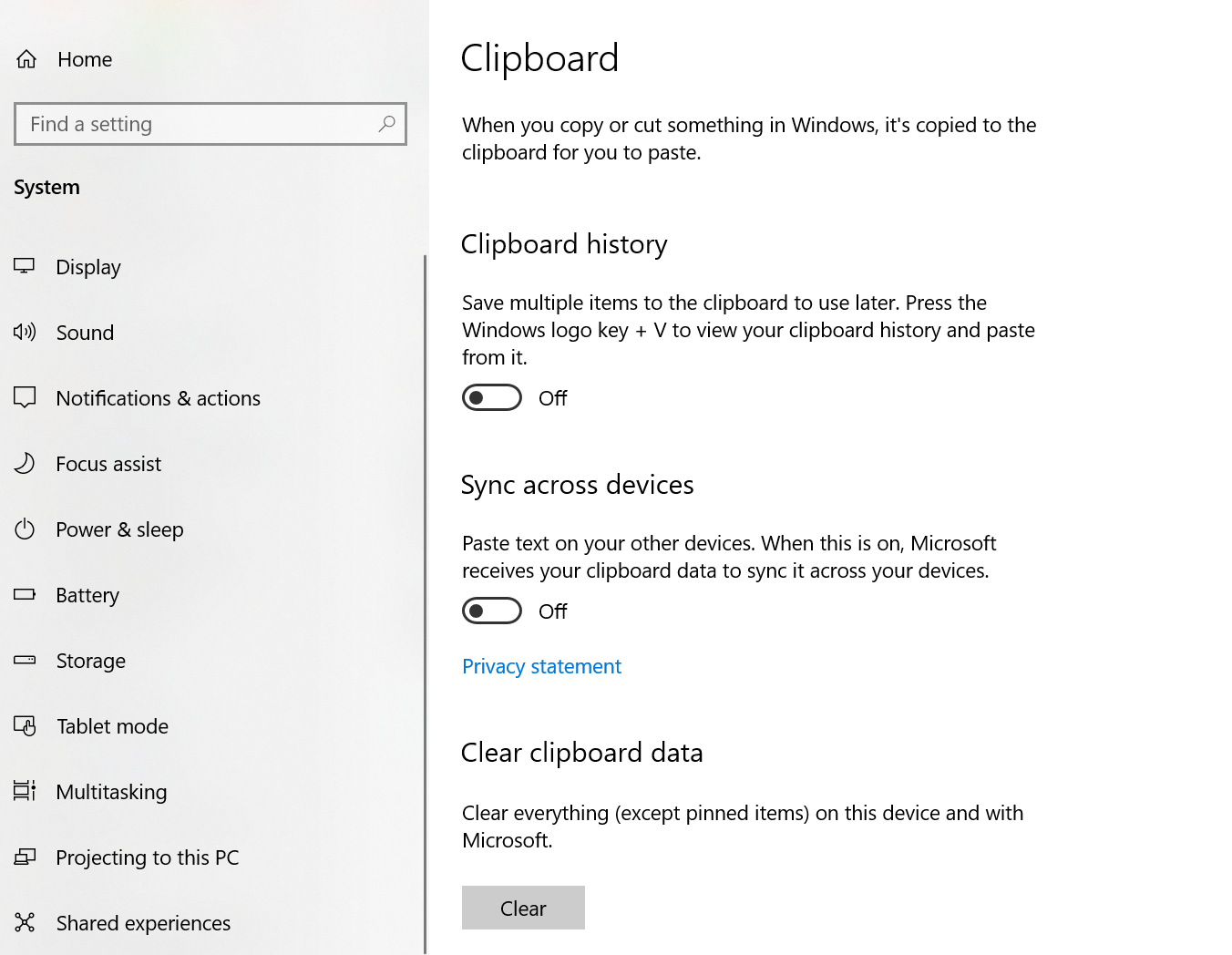
This feature is pretty useful for people who need to sync data among different devices. This is so useful that lots of apps are implementing something similar. In fact Windows 10 has this support sometime back but it only allows sync clipboard data among different Windows PC devices with same account.
In the near future, there would be better and more support on sync clipboard data among devices.

No comment for this article.