
calc function is a function introduced in CSS3, it can be used to calculate length values. There are a few good features which make it suitable for aligning an element vertically.
One good part is that the operands can have different units like percentage, px, rem etc. This makes it very flexible when calculating the length value. One example:
.rect{
    margin-top:20px;
    height:50px;
    background:green;
    width:calc(100%-20px);
}
Here the left operand uses percentage while the right one uses px, they can work perfectly without any conflict.
The result of calc is dynamic but not pre -calculated. This means the value of width will change when window size is changed.

It has a relative good support in most modern browsers now as well.
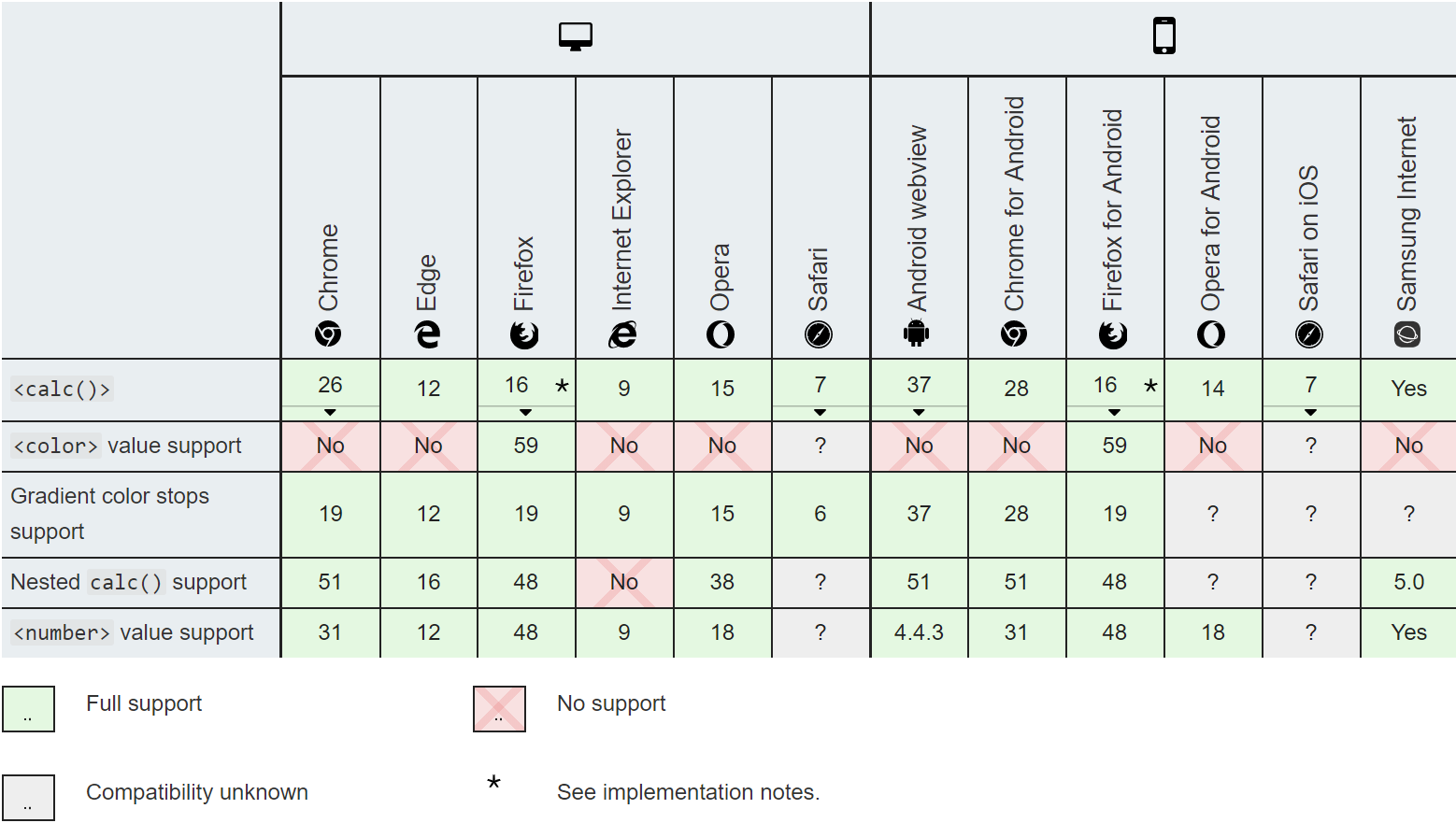
In case it's not supported in some browsers, fallback mechanism is available like below.
.rect{
    margin-top:20px;
    height:50px;
    background:green;
    width: 80%;
    width:calc(100% - 20px);
}
Have a predefined width in front of the calculation one, the width will fallback to 80% if calc is not supported.
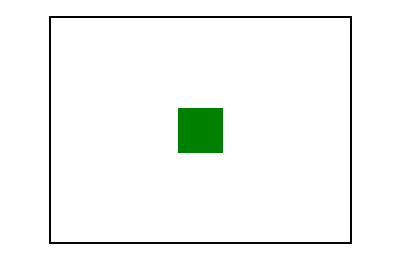
Now let's implement the logic on how to vertically align an element. The sample code looks like.
.div0{
    width: 200px;
    height: 150px;
    margin:auto;
    border:1px solid #000000;
}
.greenbox{
    position:relative;
    background:green;
    width: 30px;
    height:30px;
    top: calc(50% - 15px);
    left: calc(50% - 15px);
}
Be careful that the + and - operators must be surrounded by whitespace, otherwise it will not work.

Why would you not just use flexbox to achieve the same outcome with much less CSS and without the need to use fixed pixel values?