
As a front end developer, there is frequent need to debug JS code and sometimes need to find out what event handler has been bound to a HTML element. In this post, we will show how to find out the click event handler bound to a HTML element, this same applies to other events as well.
Nowadays, a web application is usually very complicated and there are lots of JS codes which makes it difficult to find out what click event handler has been bound to a HTML element, especially when the JS source code has been obfuscated or compressed.
By using Chrome, it becomes relative easy to find out this kind of binding. Below three components of Chrome dev tool can be used.
- Sources tab
- Event Listener Breakpoints panel
- Call Stack panel
Take an example to demonstrate this.
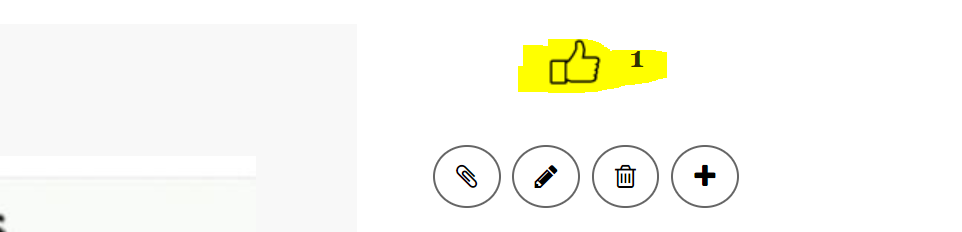
1. Open a website and there is an element allowing user to click to post like, let's find out the click event handler bound to it.
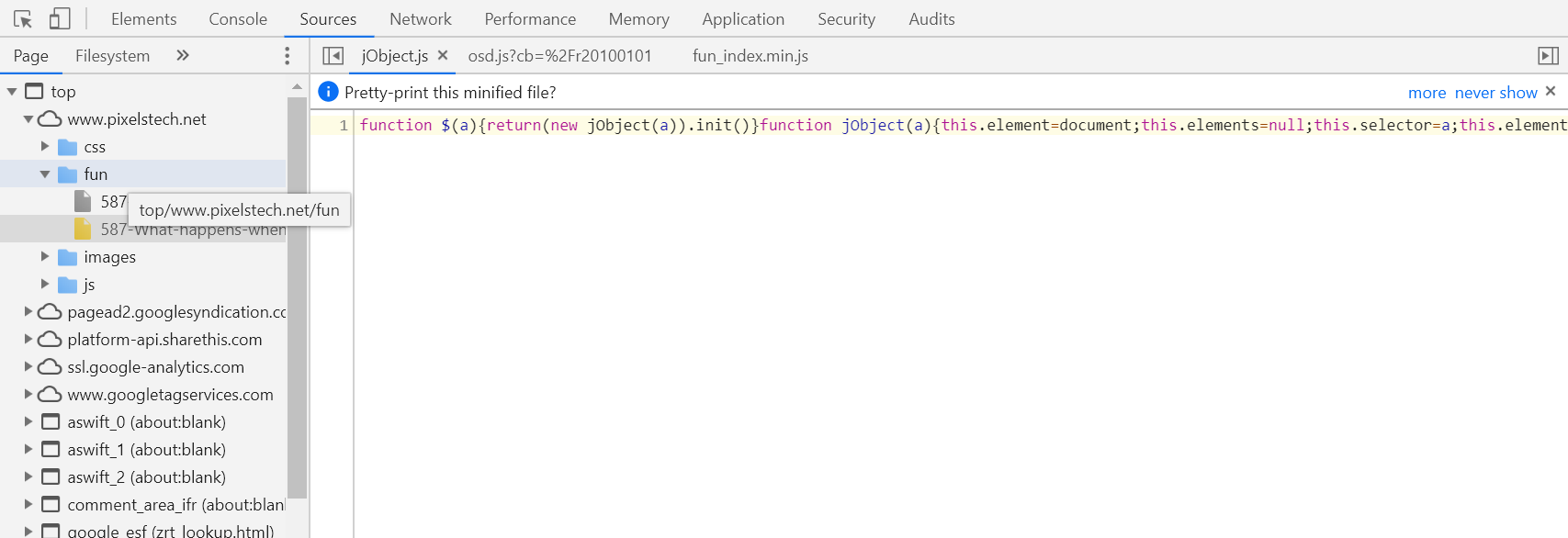
2. Press F12 or right click on the element and select Inspect to open the Chrome dev tool and switch to Sources tab.
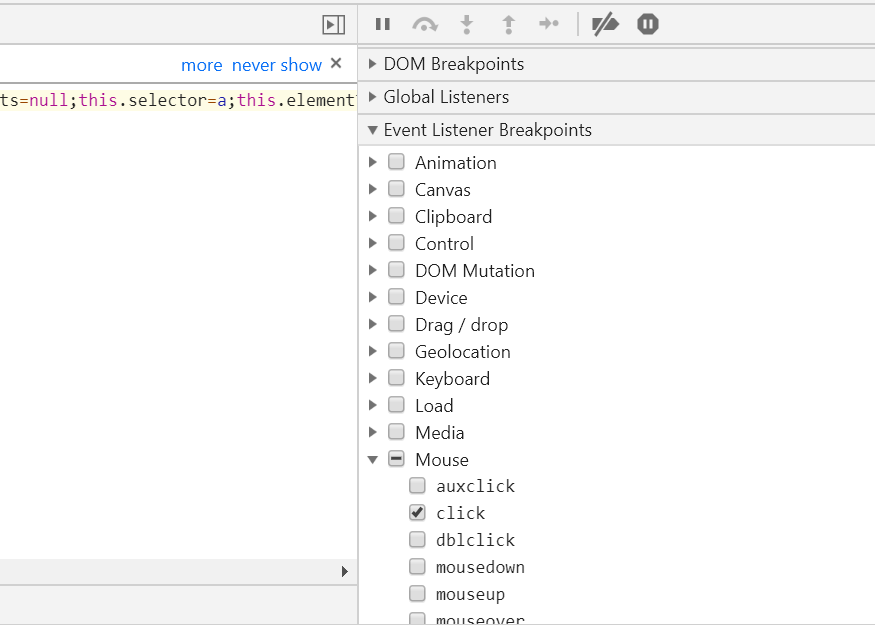
3. On the right, there is the panel Event Listener Breakpoints, find Mouse and expand it and tick click.
4. Go to Call Stack tab and it's empty now.
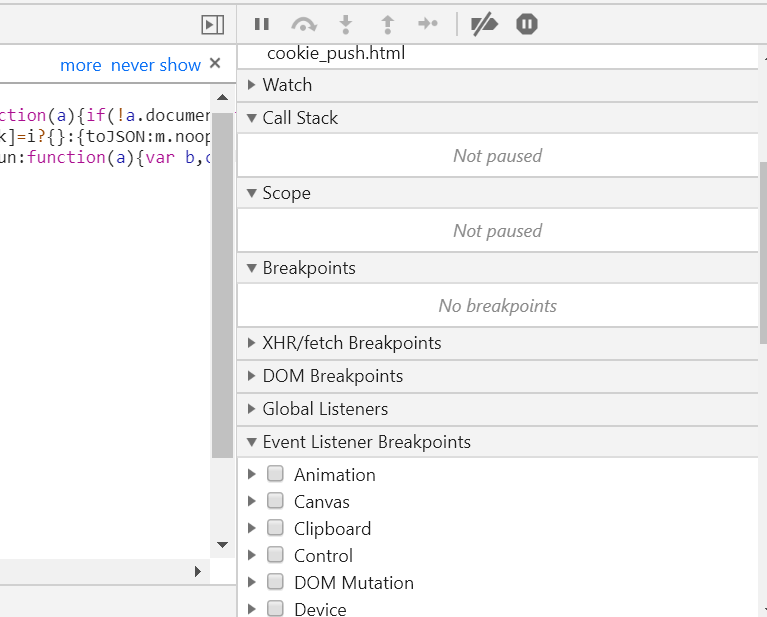
5. Click on the element on the web page, the Call Stack will be populated.
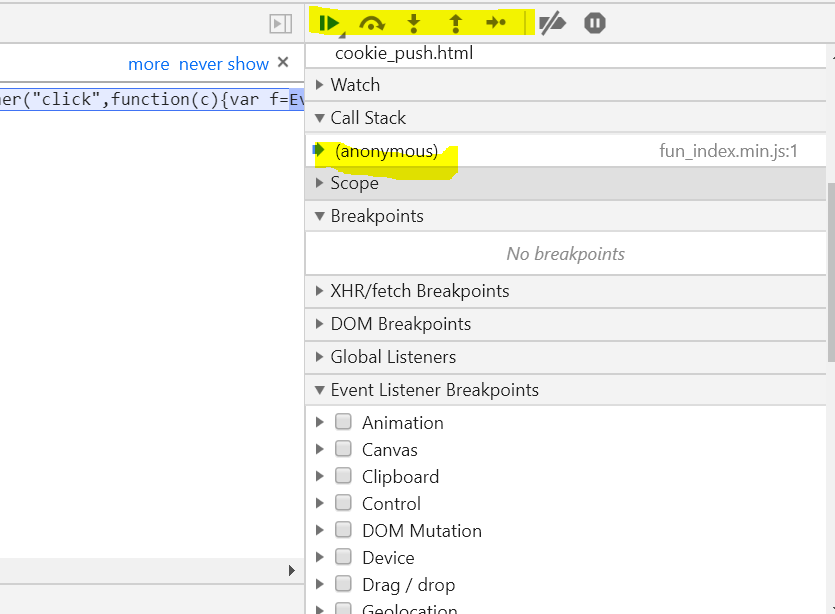
6. Click on the Step Into icon(the third one)(or press F11) above in highlighted area and keep doing that and you will find out the click event handler bound to it.
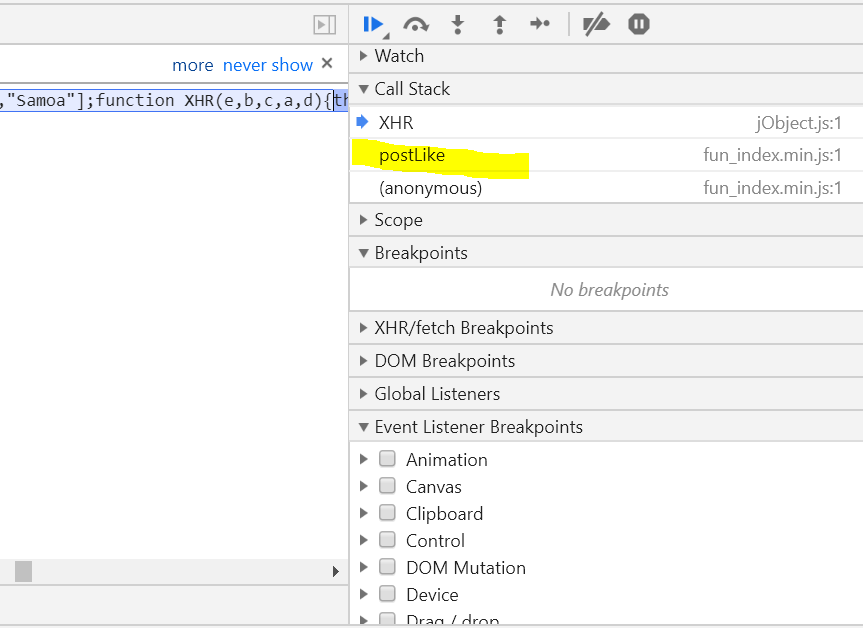
Happy coding and debugging!

No comment for this article.